
Redeem Momo City Codes
Use the Settings promocode box added in the September Alpha patch.
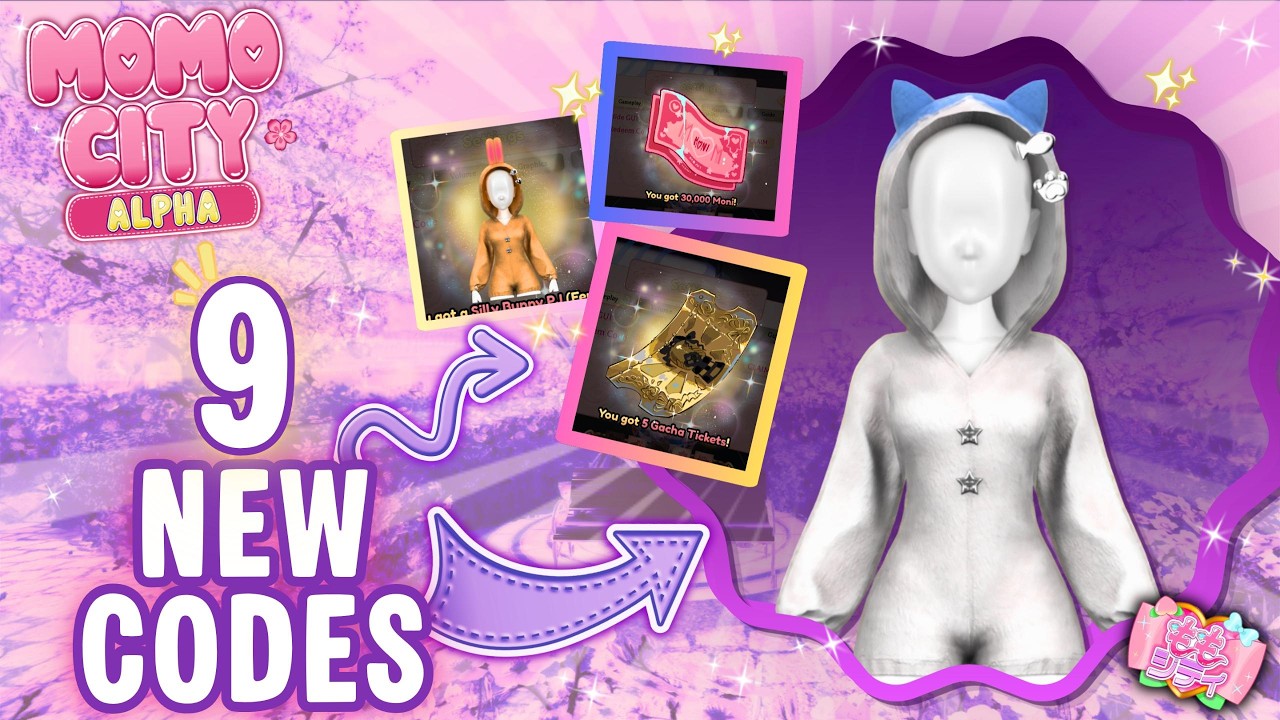
Momo City did not always have an obvious codes button. Early testers hunted through phones, mall kiosks, and Discord rumours. The September 3 patch ended most of that confusion: Settings now holds promocodes, graphics, and volume in one panel. This page is the click-by-click version so you can empty the codes list in under a minute.
If you still cannot see the field, you are probably in the wrong experience. The live Alpha place ID is 131856811555630, listed on the group ももスタジオ. The old Robo Japan countdown used a different place and will not accept Alpha strings. Confirm the title says Momo City [Alpha] before you waste time typing.
Step-by-step on PC
- Join Momo City from the official Roblox page (link on our official links hub).
- Finish or pause the current cutscene so the HUD is visible. You do not need to leave the airport first.
- Open Settings. After the patch this is a dedicated menu, not a buried phone app.
- Find the promocode text box next to graphics and volume sliders.
- Paste one code exactly as listed on the codes hub. Do not add spaces.
- Submit. A toast or mail popup should confirm Moni, tickets, or items.
- Repeat for every active string, then open inventory and the phone to claim mail.
Diamond VIP does not change how you redeem. It only changes some Moni multipliers. Redeem on the character you intend to dress; Alpha avatars are account-bound in practice even if you later reset appearance (reset now teleports you to spawn instead of stranding you).
Mobile and console notes
On phones, Settings can hide behind the hamburger or a gear in the corner. If the keyboard covers the submit button, rotate to landscape or paste first, then tap the field. Console players should use the on-screen keyboard and avoid the dash that some pads insert before a capital letter.
Mobile testers also reported chests that refuse to open. That is a known Alpha gripe, not a codes bug. If a code granted a chest key or ticket, keep it and retry the chest route after a rejoin.
What a successful redeem looks like
- Gacha tickets land in the gacha currency stack used at Ribbon Mall and the phone app. They are easy to miss if you only look at clothing tabs.
- Moni ticks the currency counter. Write down the before/after number if you are testing VIP rates for the VIP tier list.
- Outfits may go to inventory, a shopping bag, or a hidden mall locker. The patch now lets you unload bags outside Ribbon Mall, which fixes the old “where did my mall items go” panic covered in customization.
If nothing happens, wait ten seconds. Alpha UI stutters. Then rejoin and try once more. Three failures in a row usually means the code belongs on the expired page.
Errors and how to fix them
| Message or symptom | Likely cause | Fix |
|---|---|---|
| Invalid / unknown | Typo, extra space, wrong experience | Paste again; confirm Alpha place |
| Already redeemed | You claimed it on this account | Skip; codes are one-per-account |
| Expired | Patch rotated the list | Move it to expired notes |
| No box in Settings | Old client or countdown place | Update Roblox, rejoin Alpha |
| Item missing | Bag / mail / gacha tab | Check phone, bags, mall storage |
Never paste codes into a website form that asks for your Roblox password. This wiki only tells you to use the in-game Settings box. For extra caution read script safety if you also experiment with executors — those tools are unrelated to official promocodes.
After you redeem
Spend tickets with a plan. The shop tier list ranks Ribbon Mall, Secret Castle, Pri-me, EXEQ, and Gamazon so you do not dump ten tickets into a banner you will replace tomorrow. Pair free Moni with daily quests and a Maid Cafe shift so the currency keeps flowing after the code rush ends.
Finally, screenshot your Settings success toasts if you report a broken code in Discord. Staff would rather see the exact string and the error than a vague “codes do not work.” Then return to the starter checklist and keep exploring Citizen Island instead of sitting in the menu.
Frequently Asked Questions
Quick answers to the most common questions.
Do I need to finish the airport before redeeming?
No. Settings works as soon as the HUD loads. You can claim codes, then return to the airport quiz.
Can I redeem on an alt?
Yes, but VIP bonuses stay on the VIP account. Keep your main as the code mule if you already bought Diamond.
Where did my gacha tickets go?
Check the gacha wallet, not only clothing. Unload bags using the steps in customization.